 Shibuya
Quick answer
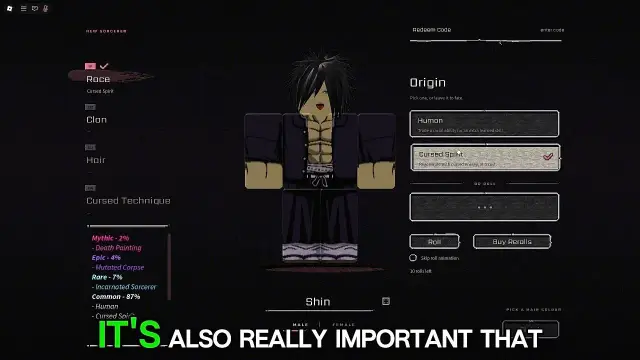
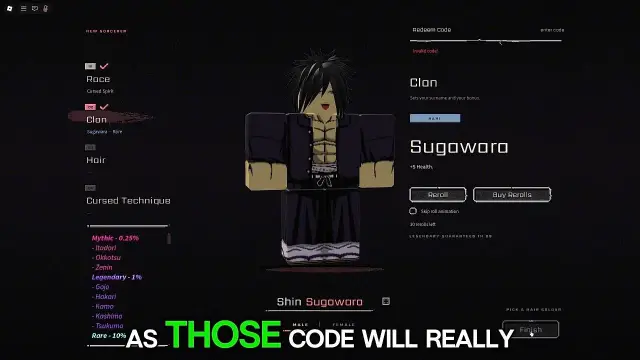
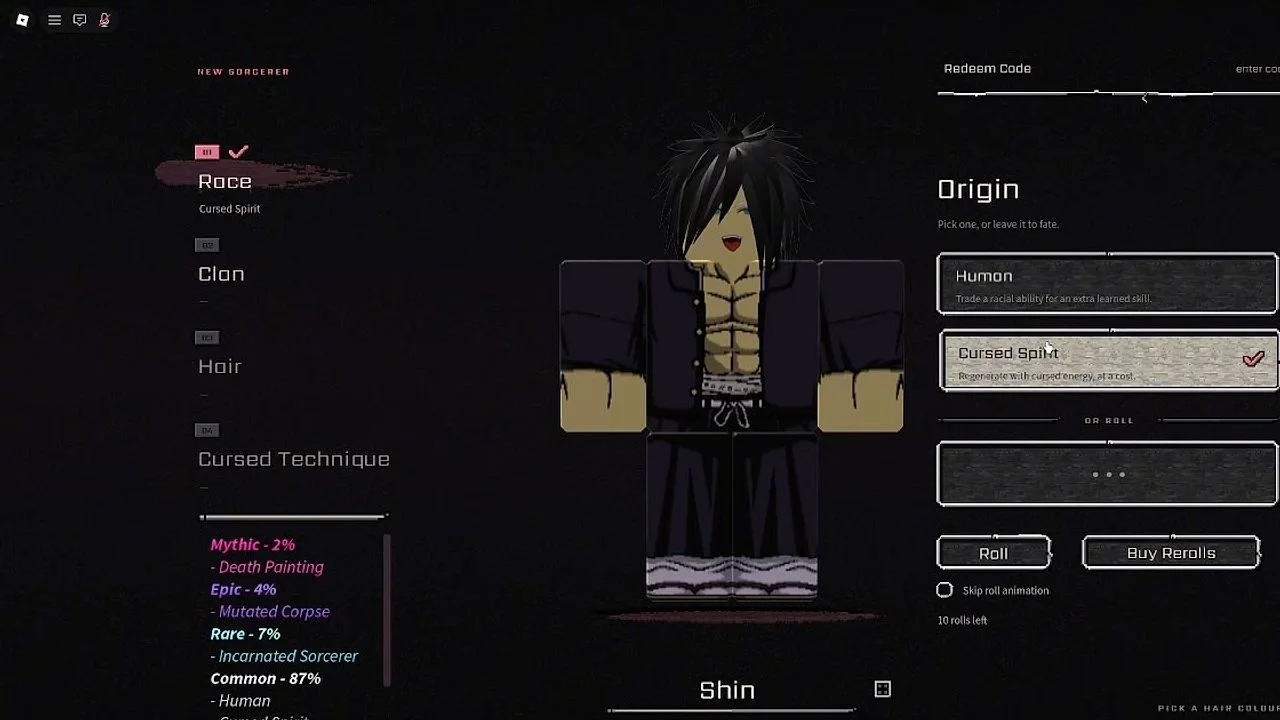
Open the main menu, choose Play (Slots), pick your character and click Customize. The code box is in the top right of that screen. Codes aren't case-sensitive, and rewards go to the character you are customizing. Beebom describes the M menu and typing ! before a code in chat as other ways.
Key facts
BoxTop right of the Customize screen (GamesRadar, shibuya.wiki)
CaseNot case-sensitive (GamesRadar)
RewardsGo to the character being customized
Other methodsM menu or !code in chat (Beebom)
Sources differ
GamesRadar and shibuya.wiki say the Customize screen; Beebom says the M menu and chat. We haven't redeemed a code ourselves, so try the customize screen first.
Tips
- Use the box on the character you want the rerolls for.
- Check the codes page for what works today.
FAQ
Do Shibuya codes expire?
Yes, quickly. Rerolls you've already redeemed stay.