 Shibuya
Quick answer
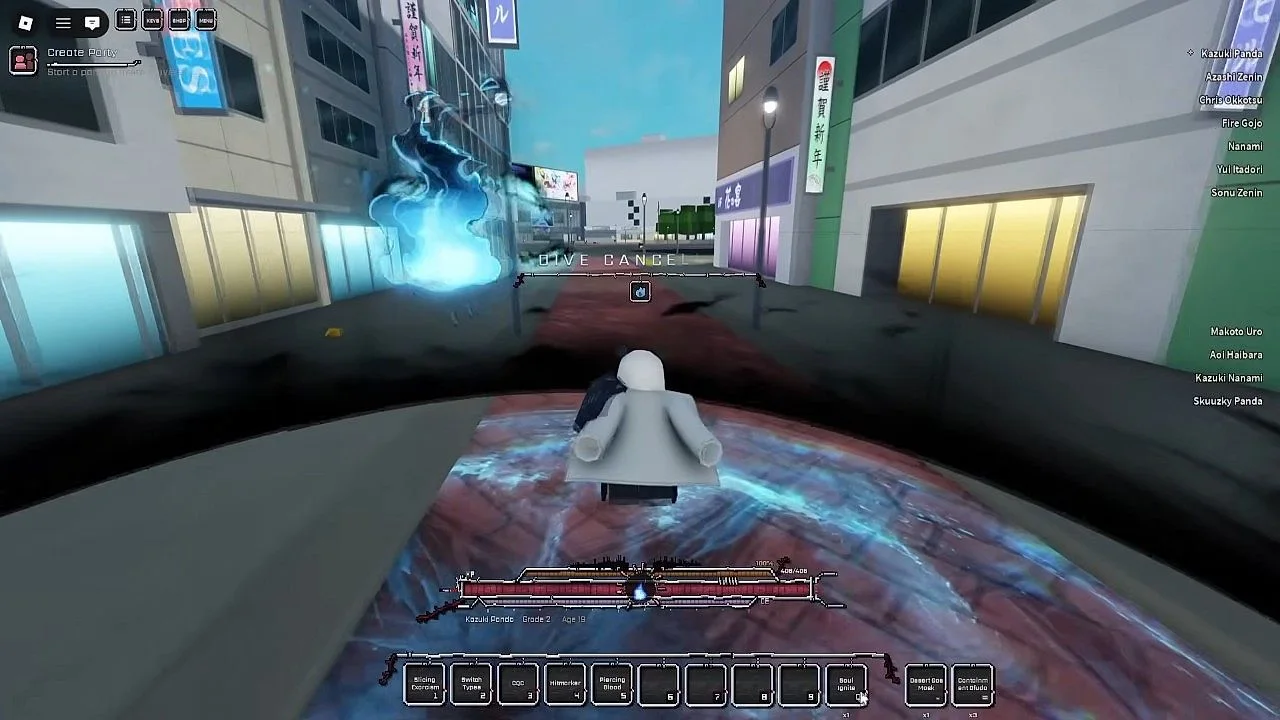
M1 attacks, M2 or R is a critical attack, Q dashes (hold it to lunge), F blocks (tap F right before a hit to parry), E infuses your attacks with cursed energy, X uppercuts (press X again for rushdown), B grips and V carries. L equips your weapon, J devours a contained curse and P summons your vehicle.
Key facts
SourceThe key list in Roblox's own game description
AttackM1; critical M2 or R
MovementQ dash, hold Q to lunge; P summons your vehicle
DefenceF block; tap F just before a hit to parry
MobileNo key list for touch; the description only gives keyboard keys
Keys
M1
Attack
Attack
M2 / R
Critical attack
Critical attack
Q
Dash (hold to lunge)
Dash (hold to lunge)
F
Block (tap before a hit to parry)
Block (tap before a hit to parry)
E
Infuse attacks with cursed energy
Infuse attacks with cursed energy
X
Uppercut, X again for rushdown
Uppercut, X again for rushdown
L
Equip weapon
Equip weapon
P
Summon vehicle
Summon vehicle
All keybinds
| Key | What it does |
|---|---|
| L | Equip your weapon |
| Tab | View the leaderboard |
| Backspace | Drop an item |
| J | Devour a contained curse |
| M1 | Attack |
| M2 or R | Critical attack |
| Q | Dash; hold Q to lunge |
| F | Block; tap F right before a hit to parry |
| E | Infuse your attacks with cursed energy |
| X | Uppercut; X again for rushdown |
| B | Grip NPCs or players |
| V | Carry NPCs, players or objects |
| P | Summon your vehicle |
Keys outside the description
Guides mention M for the menu and Notebook, and E / C on the grade exam panel (E enters, C closes). Those are not in the official list, so they can change in an update.
Tips
- Learn Q, F and E first; they carry the first hour.
- Tap F, don't hold it, if you want a parry. Holding it is a plain block.
- The developer says the game is early and things are subject to change, so check the Roblox description for new keys.
FAQ
How do you parry in Shibuya?
Tap F right before a hit lands. Holding F just blocks.
How do you dash in Shibuya?
Press Q. Hold Q to lunge.
How do you summon a vehicle?
Press P.
Sources
- Shibuya [Beta] on Roblox (game page, description, game pass)
- Shibuya Roblox Wiki (shibuya.wiki, fan site)